
Last Updated: October 23, 2026
Quick Summary
Integrating real time scoring into tournament operations means connecting score capture, bracket logic, and leaderboard publishing into one live system that updates as play happens. The work succeeds or fails at the seams between five layers: capture, ingest, rules and state, publish, and an audited data store.
- Write scores locally on the device first, then sync idempotently so retries never create duplicates.
- Allow only the assigned scorer’s device to post a match’s primary result, with corrections routed through officials.
- Publish the leaderboard from a read model so score entry is never blocked by leaderboard traffic.
- Flag any device that has not synced in more than ten minutes during active play.
- Require every device to sync at the turn and again at the close of play, no exceptions.
Table of Contents
- What Integrating Real Time Scoring Into Tournament Operations Actually Requires
- Choosing Live Tournament Scoring Software That Fits Your Event
- Mapping the Tournament Scoring Workflow From Tee Sheet to Final Results
- Offline Scoring and Data Synchronization for Unreliable Courses
- How Golf Tournament Live Scoring Reaches Players and Spectators
- Data Quality, Permissions, and Auditability in Live Scoring
- Training Staff and Volunteers Without Slowing Event Day
- Measuring Success: Operational KPIs for Live Scoring
- Frequently Asked Questions
What Integrating Real Time Scoring Into Tournament Operations Actually Requires
Integrating real time scoring into tournament operations means connecting score entry, bracket logic, and leaderboard publishing into one live system that updates as play happens.
That gap is not about the app. It is about the wiring behind it.
Live scoring touches four moving parts at once:
- Score capture at the tee or green
- A rules engine that validates and advances brackets
- A publishing layer that pushes leaderboard updates to a web page or mobile app
Most guides treat these as separate products. They are one workflow, and it fails at the seams between them. What follows is the reference architecture we use to plan that workflow, plus the reliability rules that keep it standing.
A Reference Architecture for Live Tournament Scoring
Think of the system as five layers, each with one job and a clear contract with the next.
- Capture layer. Tablets or phones at each scoring station, running a client that writes locally first. The contract: every entry is durable on the device before any network call.
- Ingest layer. An API endpoint that accepts score submissions, deduplicates by client entry ID, and writes to a queue. The contract: idempotent writes, so retries are always safe.
- Rules and state layer. The tournament-management service that validates scores against format rules, applies bracket advancement, and holds the authoritative match state. The contract: one source of truth per match, with every change recorded.
- Publish layer. A read-optimized leaderboard service that serves the public page, the player app, and any scoreboard feed. The contract: near-instant reads, decoupled from write load.
- Data store and audit layer. A durable database plus an append-only audit log. The contract: every score change is attributable to a person, a device, and a time.
The seams are where events break: capture-to-ingest fails when retries duplicate, ingest-to-rules fails when validation rules change mid-event, and rules-to-publish fails when the leaderboard reads stale state. Naming the seam and testing it is most of the integration work.
The Event-Day Reliability Rules
Three rules cover the failures we see most often:
- Write locally, sync idempotently. No score depends on a live connection to be recorded.
- One authority per match. Only the assigned scorer’s device can post the primary result; everyone else submits corrections through the official role.
- Publish from a read model, not the write path. The public leaderboard should never slow down score entry, and score entry should never be blocked by leaderboard traffic.
What to Measure From Day One
Instrument the seams before the event. Four numbers tell you whether the architecture is holding:
- Score-posting latency: time from hole completion to leaderboard update
- Duplicate-rejection rate: retries caught by the ingest layer (a healthy sign, not a problem)
- Conflict-queue depth: unresolved conflicts waiting on an official
If those four stay in range, the rest of the event-day experience usually takes care of itself.
Choosing Live Tournament Scoring Software That Fits Your Event
The best live tournament scoring software is the one your volunteers can run without a manual at 7 a.m. on event day. Start with your event’s real constraints, not the vendor’s demo:
- Field size: 40 players and 400 players need different bracket logic
- Format: stroke play, match play, and scrambles each handle score entry differently
- Venue: a course with weak cell coverage changes your whole shortlist
Build a one-page requirements sheet before you take a single demo, and compare vendors against it, not against each other. HQ Custom Design alternatives for golfers offers another vendor comparison to weigh. Readers weighing established providers can review Auto Elite alternatives before committing.
Core Features to Check Before You Commit
Run every candidate through this checklist. If a tool fails two or more items, cut it.
- Offline score entry with automatic sync when the connection returns
- Role-based permissions so volunteers can enter scores but not edit final results
- Audit trail showing who changed a score and when
The audit trail is the one most organizers skip. It is also the one that saves you when a player disputes a score at the 18th hole.
Mapping the Tournament Scoring Workflow From Tee Sheet to Final Results
A tournament scoring workflow runs in two phases: setup before pairings publish, then live capture, validation, and bracket advancement during play. Get phase one right and phase two becomes routine.
Step 1: Set Up Scoring Before Pairings Are Published
- Load the player roster into the scoring system, not a spreadsheet.
- Set seeding and bracket rules while the field is still flexible.
- Assign score entry roles to named volunteers, not shared logins.
- Test a full round with dummy scores and confirm the leaderboard publishes.
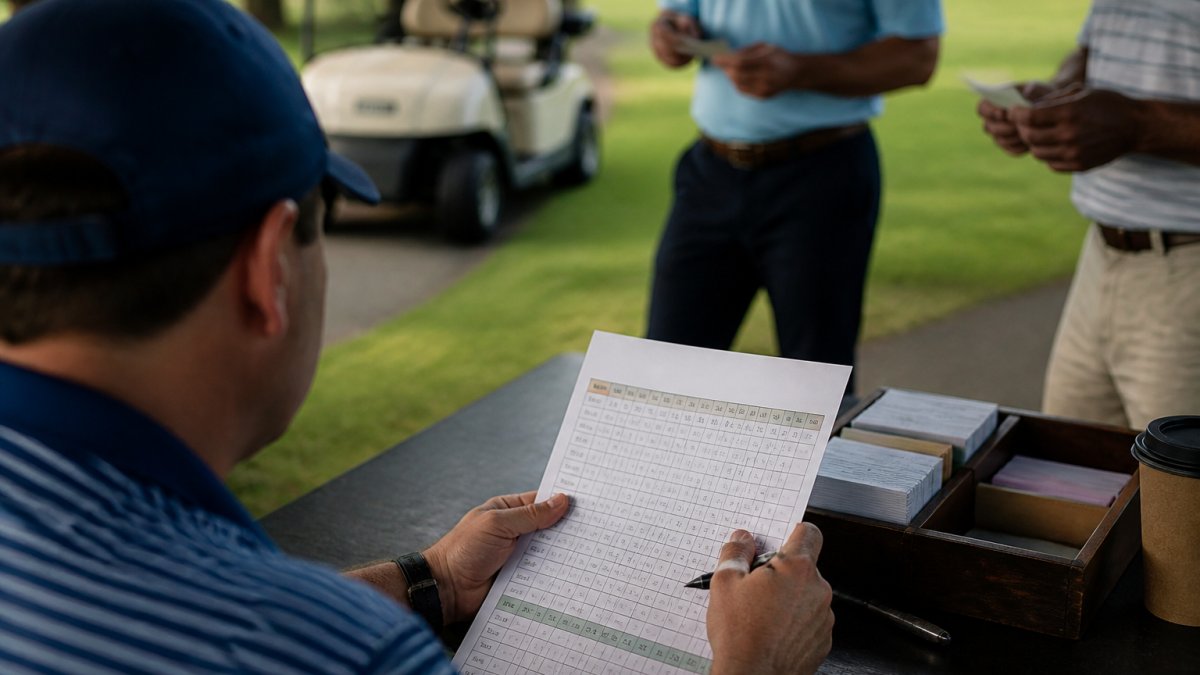
- Print a fallback sheet for every scoring station.
Step 5 is not a backup plan for pessimists. It is the plan that keeps your event moving when the tablet dies.
Step 2: Capture Scores, Validate, and Advance Brackets
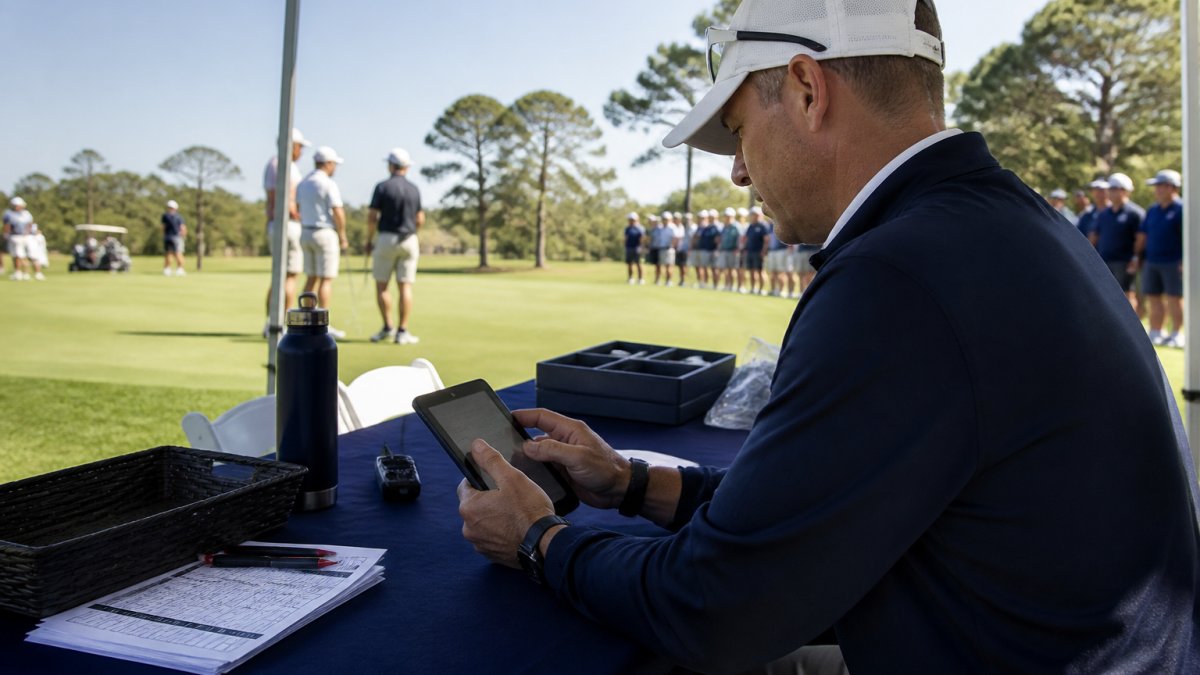
During play, the sequence should be short and repeatable: a scorer enters the hole score at the green, the system validates it against handicap or match rules, results post to the leaderboard within seconds, and the bracket advances once a result is confirmed.
If your event runs across remote venues or a multi-day travel schedule, organizing tournament travel in advance keeps staff and volunteers arriving ready rather than scrambling.
Set your score validation rules before the first tee time, not during round one. Changing a rule mid-event forces a recalculation of every posted result, and volunteers will not thank you for it.
Offline Scoring and Data Synchronization for Unreliable Courses
Offline scoring and data synchronization means capturing scores locally on a device, then merging them into the central system once a connection returns. It is the most important reliability feature for courses with weak coverage, and where most live scoring rollouts quietly fail. A working sync layer has four parts, each needing a decision before the first tee time.
1. A local write-ahead queue on every device
Every score entry is written to device storage first, then marked pending, then sent. The device never waits on the network to confirm a tap. Each queued record carries:
- A device ID and a scorer ID
- A client-generated unique entry ID (so retries do not create duplicates)
- A monotonic sequence number per device
The unique entry ID makes retries safe: if a submission times out but reached the server, the retry is rejected as a duplicate rather than posted twice.
2. A conflict-resolution rule you can explain to a volunteer
Conflicts happen when two devices touch the same match or when a correction races an original entry. Pick one rule and apply it everywhere:
- Last-writer-wins by server receipt time is simplest and fine for stroke play, where each hole has one owner.
- Authoritative-source-wins is better for match play: the assigned scorer’s entry beats a spectator or secondary entry regardless of arrival order.
- Manual reconciliation is the fallback for any conflict the rules cannot settle, and it must surface in the console as a task, not a silent overwrite.
Avoid silent divergence, where two scoring stations both think they hold the truth until the leaderboard shows two different results. A visible conflict queue turns that into a two-minute fix.
3. A sync health view the console lead watches
The live console should show, per device, last successful sync time, pending record count, and battery level. Flag any device that has not synced in more than ten minutes during active play; that view catches most event-day problems before a player does.
4. A documented recovery procedure
When a device is lost, wiped, or stuck offline past the end of a round:
- Pull the pending queue from the device if it is recoverable.
- If not, reconstruct from the printed fallback sheet and the scorer’s signed card.
- Enter reconstructed scores under the official’s role, not the scorer’s, so the audit trail shows the source.
- Reconcile the leaderboard and confirm bracket advancement against the corrected results.
- Log the incident in the post-event review.
For venues where connectivity is a known risk, plan around it. Custom van for golf tournament logistics covers how to set up for remote or unreliable venues. A mobile command center gives your scoring team a stable base with power, shade, and a place to reconcile data.
Never let a device hold scores for more than one round without syncing. If the tablet is lost or wiped, you lose the entire round with it, and manual reconstruction from memory is where disputes start. Set a hard rule: every device syncs at the turn and again at the close of play, no exceptions.
How Golf Tournament Live Scoring Reaches Players and Spectators
Golf tournament live scoring reaches people through four channels: a public web page, a mobile app, a tablet app for officials, and text notifications for key results. Each serves a different audience and needs its own update cadence.
Match the channel to the person:
| Audience | Best Channel | What They Need | Update Speed |
|---|---|---|---|
| Spectators | Public web page | Full leaderboard | Near-instant |
| Players | Mobile app | Own match status | Near-instant |
| Officials | Tablet app | Score entry and validation | Instant |
| Family and sponsors | Text notifications | Key match results | Per result |
The leaderboard is the visible product of everything upstream. If score updates lag, spectators notice within minutes and the event feels disorganized even when the golf is excellent.
Data Quality, Permissions, and Auditability in Live Scoring
Data quality in live scoring rests on three controls: clear permissions, a complete audit trail, and validation rules that catch errors before they publish. Skip any one and your final results become arguable.
Set permissions by role:
- Scorers enter scores for assigned matches only
- Officials validate and correct scores
- The committee locks final results
The audit trail should record every score correction with a name and a timestamp. When a player questions a result, you answer with a record instead of a recollection.
The audit trail is not paperwork. It is the difference between a result that stands and a result that gets argued for an hour after the trophy presentation.
Training Staff and Volunteers Without Slowing Event Day
Train volunteers on the three actions they will actually perform: score entry, score correction requests, and device sync. That is the whole curriculum for most event staff.
Run a short session the day before the event:
- Walk through score entry on the real device
- Enter one full match as a group
- Break the connection on purpose and watch the sync recover
- Hand out the printed fallback sheet
That third step matters most. Volunteers who have seen the offline path work stay calm when it happens for real.
Assign one person as the live console lead to watch for unsynced devices and stalled matches, and keep them off score entry.
Measuring Success: Operational KPIs for Live Scoring
Track five numbers after every event, and you will know whether your live scoring setup is improving or drifting.
- Score entry lag: time from hole completion to posted score
- Correction rate: corrections as a share of total scores entered
- Sync failures: devices that needed manual reconciliation
Review these with your committee after each event. Two or three events of data will show exactly where the workflow breaks: a specific hole, a weak coverage zone, or a training gap.
At GOLF Cruiser, we build mobile command centers for exactly this kind of event-day operation.
Frequently Asked Questions
How do you integrate real time scoring into tournament operations?
Start by selecting live tournament scoring software that connects to your existing tee sheet and bracket tools through an API integration. Map the tournament scoring workflow from pairings to final results, assign score entry permissions by role, and test the live data feed on a small event first. Before the main tournament, run a full rehearsal with officials and volunteers so score updates, leaderboard updates, and bracket advancement all work end to end.
How should scorekeepers handle connectivity problems during a tournament?
Plan for offline scoring and data synchronization before event day. Scorekeepers enter match results on a tablet or mobile app that stores data locally, then the system syncs automatically when the connection returns. Give each scorer a printed backup card for every match, and designate one official to reconcile any conflicts during sync. Test the offline mode in advance, and confirm that score corrections made offline carry a timestamp so the audit trail stays intact.
What is the best way to train staff and volunteers to use live scoring?
Train by role, not by feature. Scorekeepers need score entry, score validation, and score corrections. Officials need match status and bracket advancement. Event staff need leaderboard updates and spectator support. Run a hands-on session on the actual tablet app, include a one-page checklist, and hold a short rehearsal on the course. Assign a live console lead who can troubleshoot during play, and keep a printed escalation sheet at the scoring table.
How can tournament operators keep scores updated across multiple venues or groups?
Use a central live console fed by a single live data feed rather than separate spreadsheets per venue. Each group’s scorer posts score updates to the same system, and the leaderboard updates automatically for all spectators. Set a target update latency, such as posting each hole within two minutes of the group finishing it, and monitor concurrent updates during high-traffic events. A remote operator can then watch match status across every venue from one screen.
Live scoring only works when the software, the sync layer, and the people running it are planned together. If your scoring team is still working out of a car trunk on event morning, that plan has a gap. GOLF Cruiser builds hand-built luxury vans with custom club storage, flexible team layouts, and the interior space to run a scoring console from the course. Contact us today to plan a build around your tournament operation.
